 Team Bridge
Holiday party season
Virtual holiday party games your whole team can play
Share one link in your video call and everyone plays in the browser: no downloads, no accounts for guests. Pick a drawing game to warm up, a holiday trivia round in the middle, and a word game to finish.
- No downloads
- Guests join without an account
- 3 to 100 players

Runs in a browser tab next to your call
 Microsoft Teams
 Google Meet
Games to play
A good remote holiday party is short, social and easy to join. The games below run in any browser next to Zoom, Microsoft Teams or Google Meet. The host opens a lobby, pastes the link into the meeting chat, and players join from their laptop or phone.
Swipe to see all 11 games
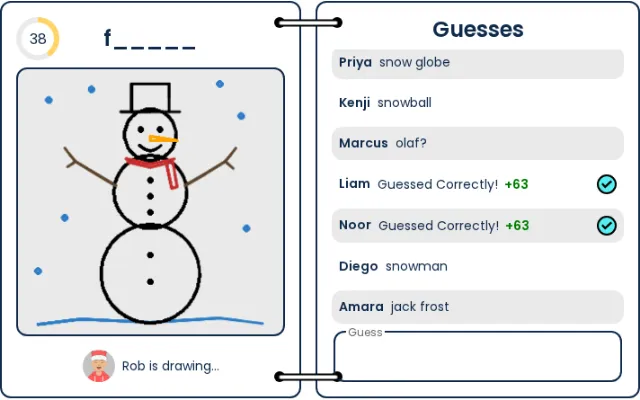
Draw-and-guess with a Christmas word list. Easy for any group from 3 to 100 people; the best warm-up.
 3–100 players
 5–15m
5–15m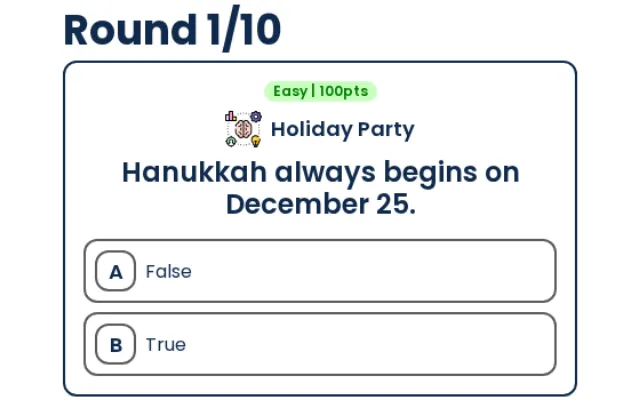
Holiday trivia: winter traditions, festive films and food from around the world, or any of 24 regular categories.
2–100 players5–10m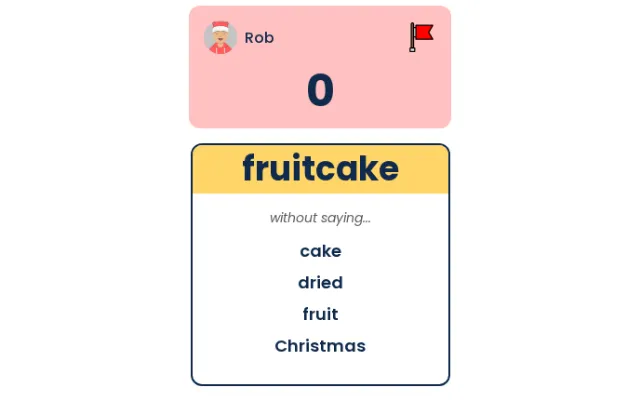
Describe the word without the forbidden ones. The holiday deck has cards like snowman, eggnog and ugly sweater.
4–12 players5–20m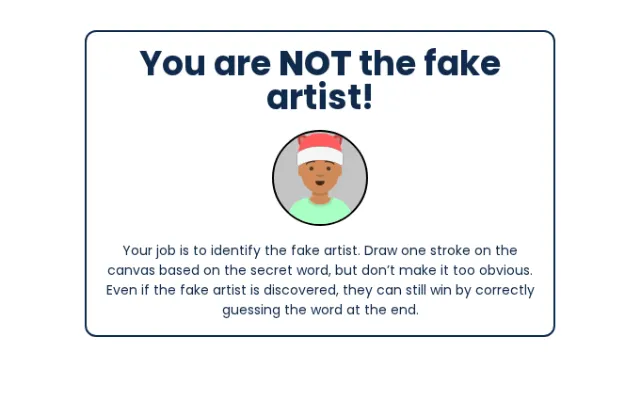
Everyone adds one line to a shared drawing; one player is faking it. Works for 4 to 200 people.
4–200 players5–20m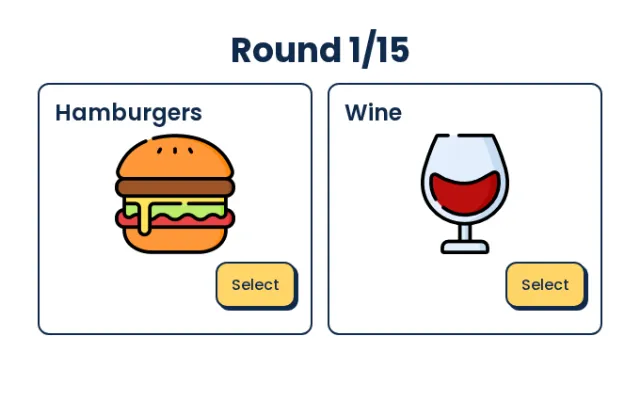
Quick picks between two pictures, then see how the group split. Good for big groups and people who are new to each other.
2–100 players5–10m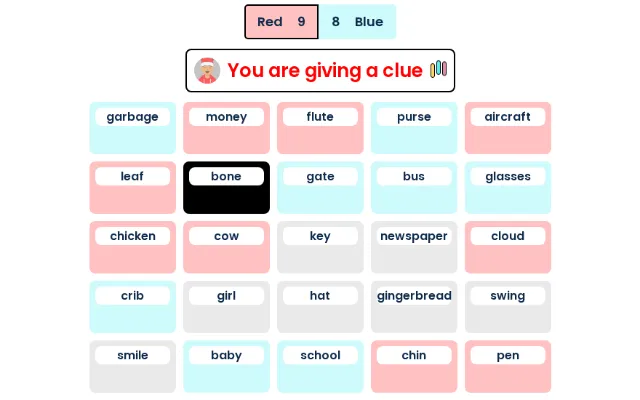
Two teams, one grid of words. Great for 4 to 10 people who like a puzzle.
4–10 players5–15m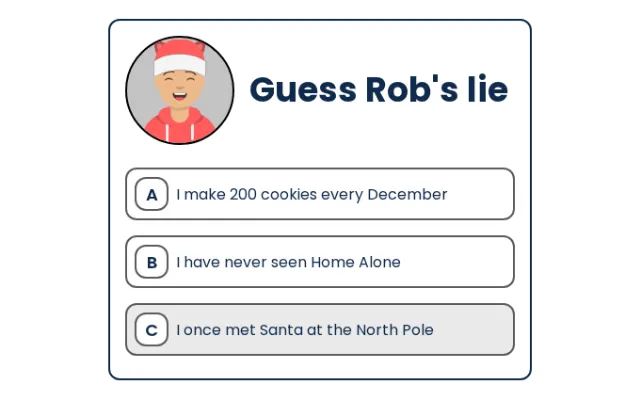
Players share three facts about their holidays; everyone guesses the lie.
4–20 players5–10m
Head-to-head drawing duels with voting. Lots of laughs in big groups.
4–200 players5–20m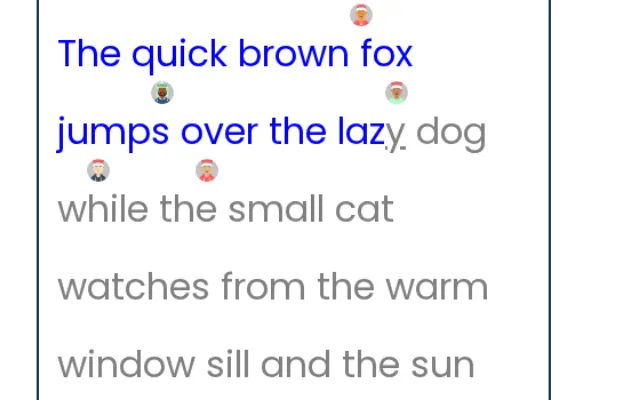
A typing race: a fast, competitive 5-minute filler.
2–200 players1–5m
One player doesn’t know the secret word. Find them before they figure it out.
4–10 players5–15m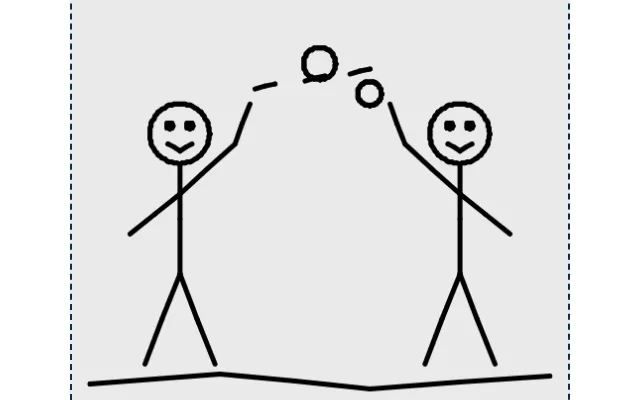
Telephone with pictures: write, draw, guess, and watch the results unfold.
4–12 players10–20m
 Premium





A 45-minute virtual holiday party
Most teams need 45 to 60 minutes: one warm-up, one main game and one finale. Turn on the holiday theme in the lobby for festive colors, and choose the holiday word lists in Trivia, Taboo and Scribble.
- 0–5 min

Welcome and join
Paste the lobby link in the meeting chat. Players pick a name and avatar while you say hello.
- 5–15 min

Warm-up: Scribble
Use the Christmas word list. Short rounds (45 seconds) keep it moving.
- 15–30 min

Main game: holiday Trivia or Taboo
Trivia for big groups; Taboo in two teams if you have 4 to 12 people.
- 30–40 min

Finale: Fake Artist or Draw Battle
A drawing game makes the funniest screenshots for your team channel.
- 40–45 min

Wrap-up
Share the winners and the best drawings, and thank everyone for coming.
Hosting tips: send the link in the calendar invite as well as the chat, give people a minute to set their name and avatar, and keep the camera grid visible so everyone can see the reactions.
One price for the whole party
Free games cost nothing to try. For premium games and a big group, get one pass for the party.

Free games
$0
free credits for every player
- Scribble, Fake Artist, Codenames and more
- Holiday theme in the lobby
- Guests join without an account

Holiday Party Pass
On sale Nov 1
$199
one-time · 7 days of access
- One holiday party for up to 100 players
- All premium games
- Holiday themes and word lists
- 7 days of access from purchase
- No subscription
Party before Nov 1? The Event pass ($99) covers every premium game for up to 50 players now.
Get the Event pass $99Planning for the whole year? Annual and monthly team plans cover every game and every event. Lifetime plans bought earlier keep their access.
Questions
What are good virtual holiday party games for work?
Pick games that need no setup and work for mixed groups: a drawing game such as Scribble to warm up, holiday trivia or Taboo as the main event, and Fake Artist or Draw Battle to finish. All of them run in the browser next to your video call.
How many people can play?
Most TeamBridge games work for 4 to 100 players; Fake Artist, Draw Battle and Type Racer go up to 200. Codenames, Faker and Taboo are best with 4 to 12 people.
Do players need to download anything or create an account?
No. Players open the lobby link in a browser and pick a name. Only the host needs an account.
Does it work with Zoom, Microsoft Teams and Google Meet?
Yes. Keep the video call open for talking and play the game in a browser tab. On a single screen, share the host’s screen or let everyone open the link on their phone.
Is it free?
New players get free credits for the free games. Premium games such as Trivia, Taboo and This or That need a plan; see the price for a holiday party below.